
Motion Realm Digital Guide
A digital guide that talks to your visitors

Live now at the Millennium Seed Bank, Wakehurst
Not a concept. It is already answering visitors at Kew.
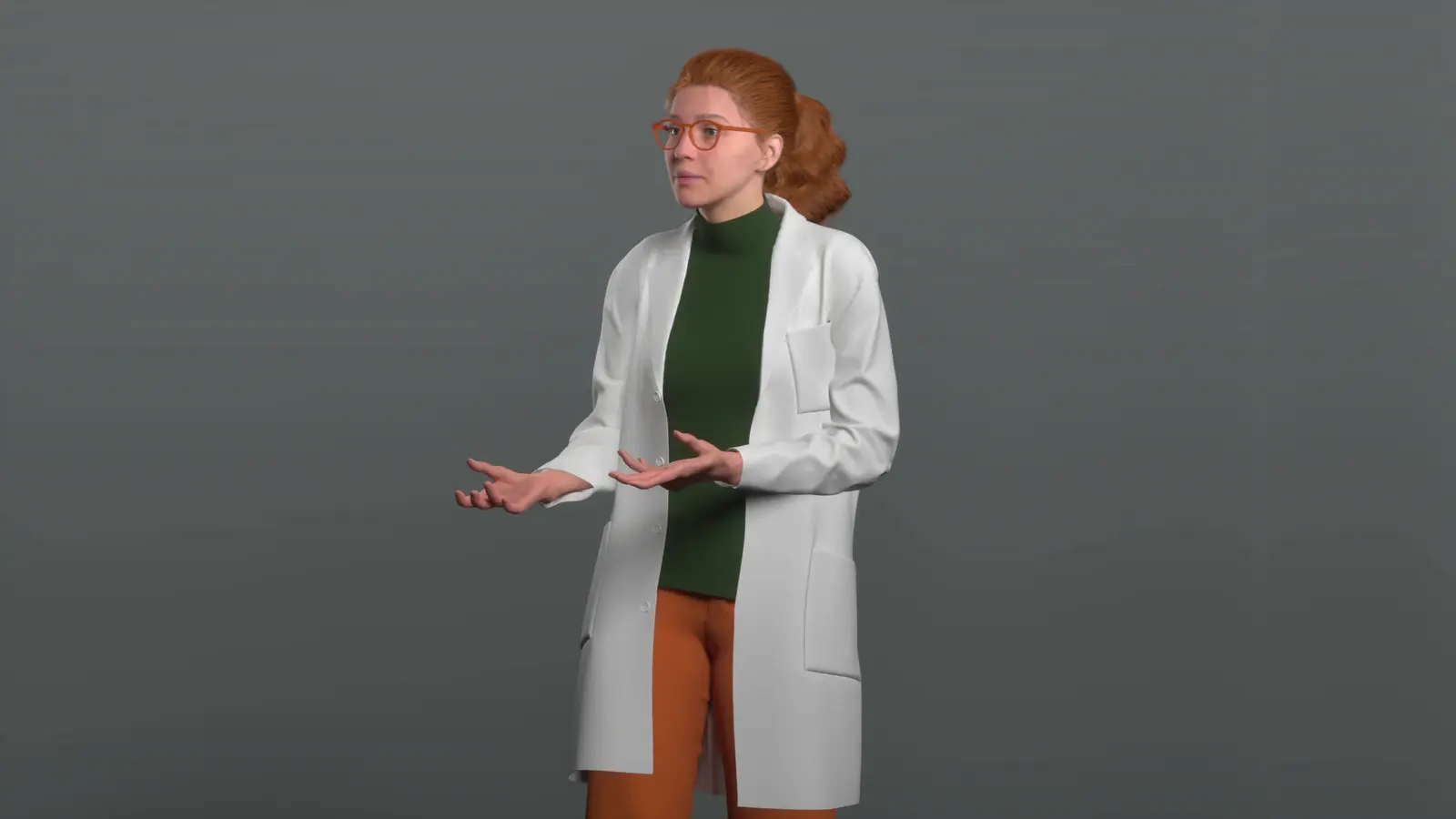
Poppy, our Millennium Seed Bank digital assistant, stands in the gallery at Wakehurst and answers visitors' questions about seeds, science and conservation.
Read the case study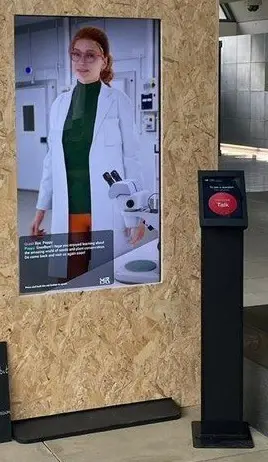
The problem
Visitors have questions. Your team can't be at every display, all day.
The Digital Guide stands in the gallery, greets people and answers what they ask, in your words and your tone. It never gets tired of the same question, and it never makes things up.
Why venues want one
Talk, don't read
Visitors ask out loud and hear the answer. Great for families, younger visitors and anyone who would rather listen than read another panel.
Never tired, never off-script
The same calm, accurate answer at ten in the morning and five at night, however many times it has been asked.
Your subject, brought to life
A character with a face, a voice and a personality makes your content memorable in a way text on a wall cannot.
Your words, your rules
It only says what you approve, stays off topics you rule out, and can run with no internet at all.
How it works
- 01
Press and hold
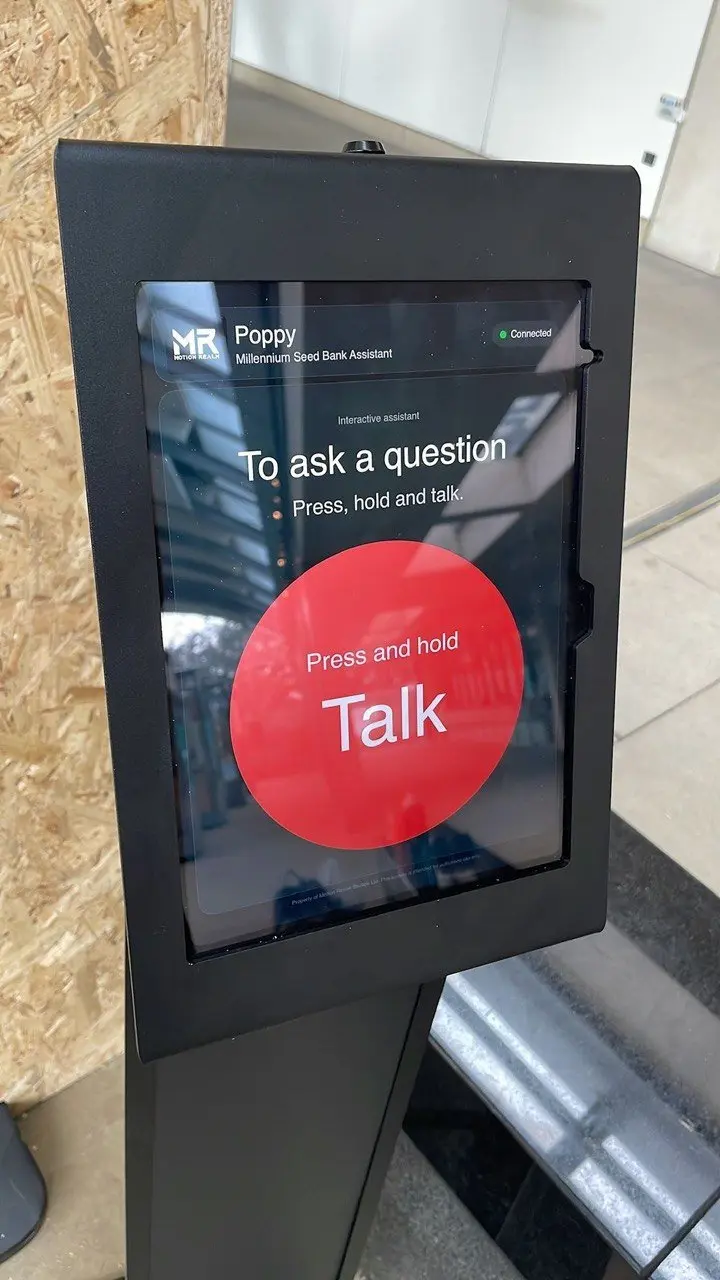
Visitors press and hold one large button. No app, no sign-up, nothing to learn.
- 02
Ask out loud
They ask their question in their own words, the way they would ask a member of staff.
- 03
Hear the answer
The character replies out loud, with lip-synced speech and natural movement, drawing only on your approved content.
Who are you, and what do you do here?
Who could it be?
Any character your visitors would love to meet.
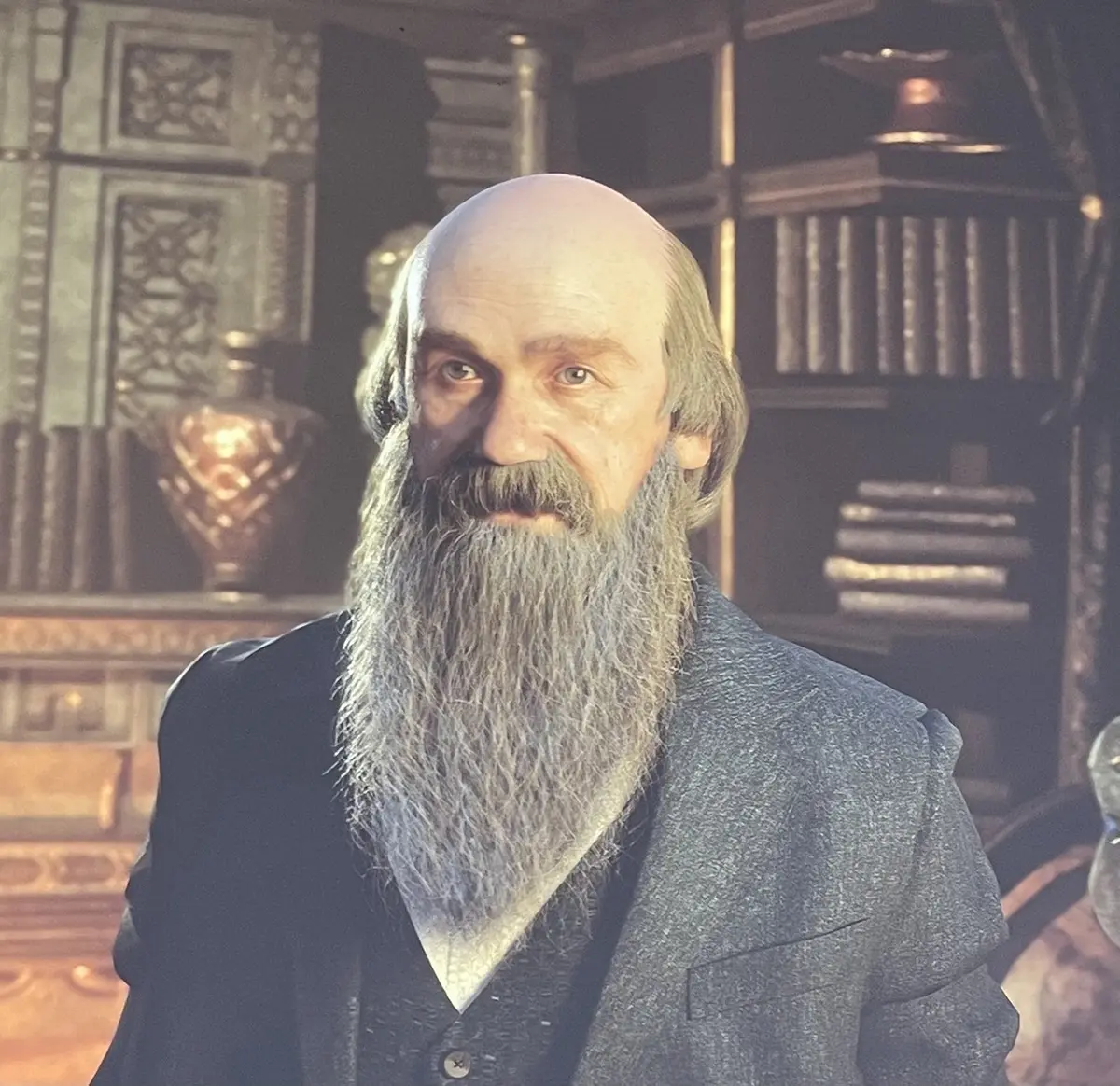
A historical figure
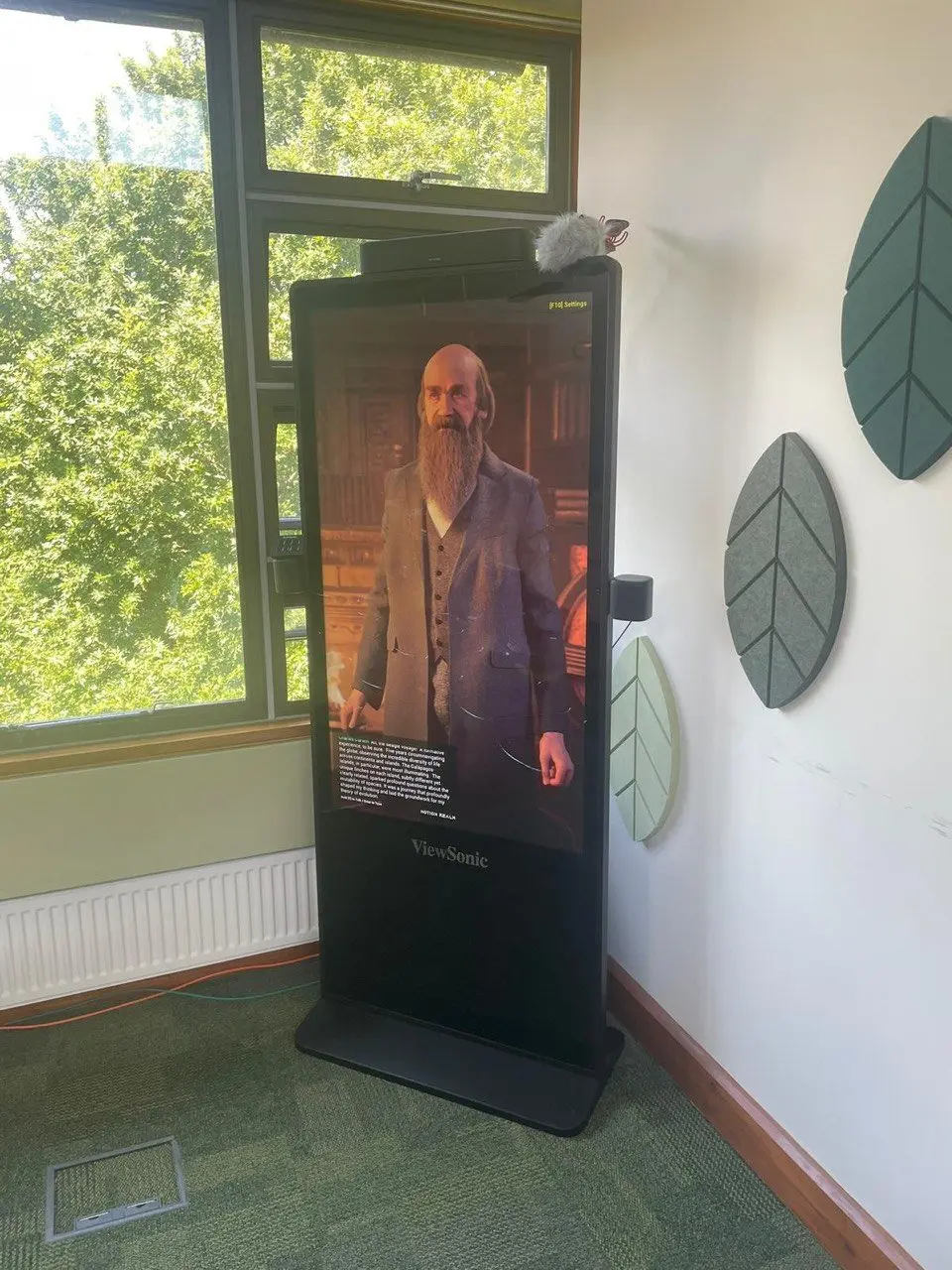
Let visitors question the person behind the story, like our Charles Darwin prototype.
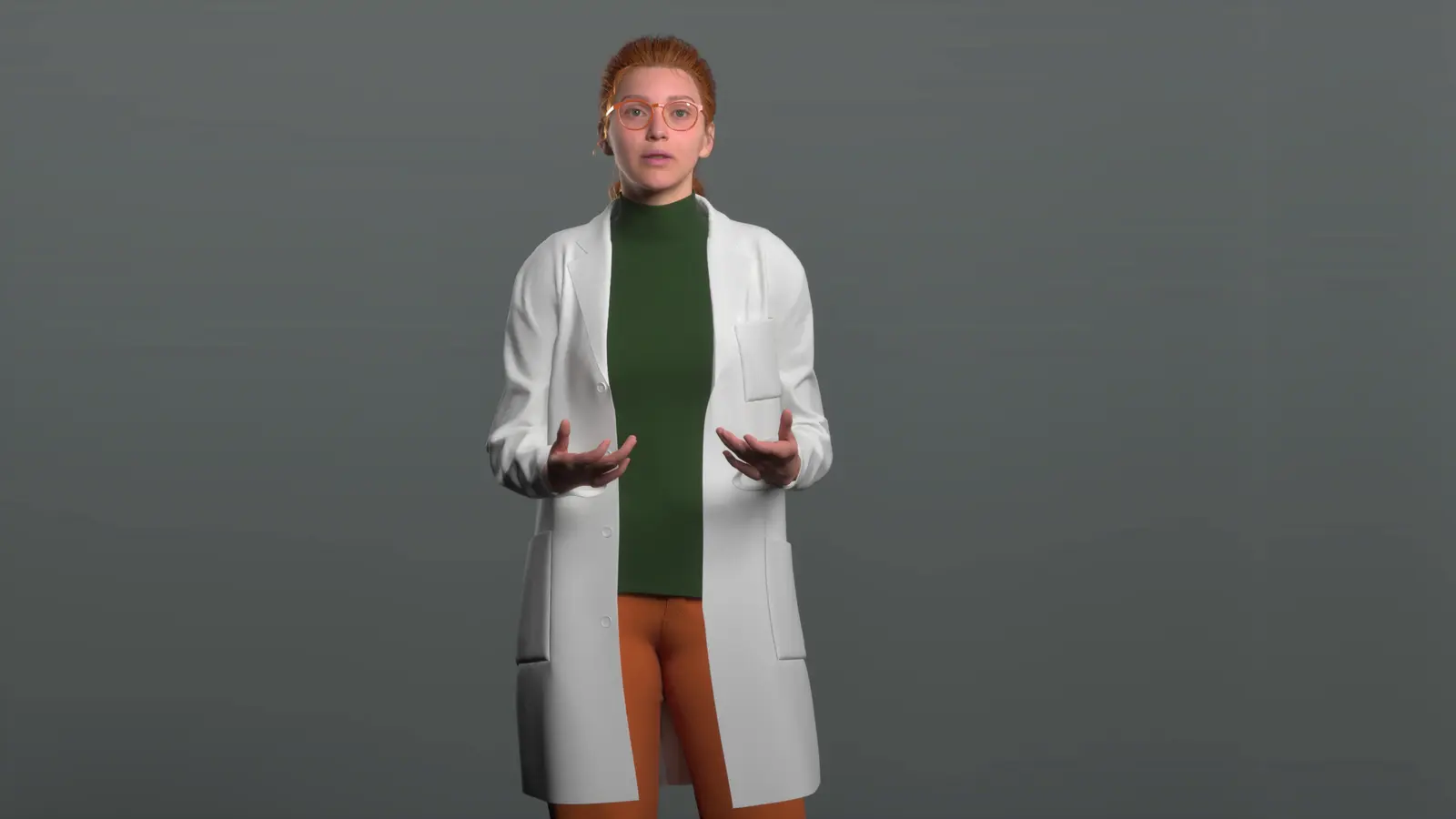
An expert on your subject
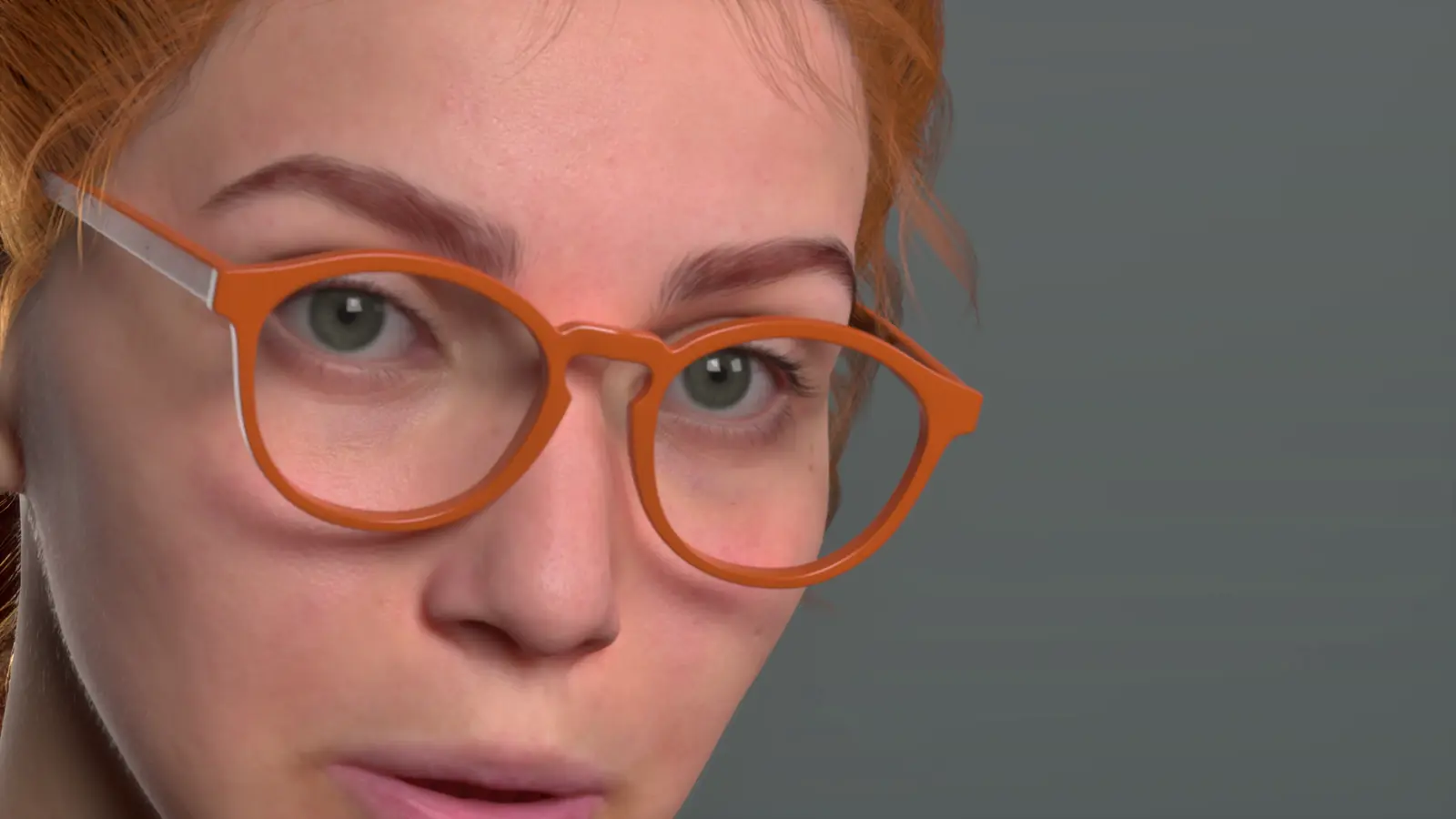
A scientist, curator or keeper who knows your collection inside out, like Poppy at the Seed Bank.
Your own character
A mascot, a brand character or someone entirely new, sculpted, textured and animated in-house.
Safe in front of the public
It says what you approve, and nothing else.
- Approved content only
- Answers come from the scripts and knowledge you provide or sign off. No live web search, Wikipedia or generic chatbot knowledge.
- Off-limits topics
- We agree with you what it will not discuss, such as medical, legal or political questions, and test that it holds the line.
- Fully offline option
- Speech recognition, conversation, voice and lip sync can all run on local hardware. No cloud, no internet connection, and no visitor data leaving the building.
- Your tone of voice
- Friendly, accessible and family-friendly, written and tested with your team before launch.
From first call to launch
We do the hard part. You approve every step.
Demo call
We show you a guide working and talk through your space, visitors and goals.
Your character
We design, sculpt, dress and animate the character, and you sign off the look and voice.
Your content
You provide or approve the knowledge. We turn it into spoken answers and set the boundaries.
Testing
Your team tries to catch it out before any visitor does.
Launch and support
We help with the screen, PC and button, set it up on site, and update it when your content changes.
Packages
Every guide is quoted to your space and your content. Pick a starting point and we will tailor it.
Best place to start
Pilot
One character on one screen, loaded with your content. The quickest way to test a guide with real visitors.
Get a quote
Exhibition
A custom character made for your exhibition, with options for several languages and fully offline running.
Get a quote
Multi-site
The same guide, or a family of characters, across several screens or sites, sharing one approved knowledge base.
Get a quoteQuestions
Why not a touchscreen or audio guide?
People ask questions in their own words and get a spoken answer from a character, so it feels like a conversation rather than a menu. It works alongside your existing interpretation.
How long does it take?
It depends on the character and how much content there is. A pilot with an existing character is quicker than a fully custom exhibition guide. You will get a timeline with your quote.
Does it need the internet?
Not if you choose the fully offline option: everything runs on the hardware on site.
What hardware does it need?
A screen, a PC to run it and a simple push-to-talk button or tablet. We help you choose kit that suits the space and budget.
Who writes what it says?
You provide or approve the content. We turn it into clear spoken answers, agree the boundaries with you and test it before launch.
Can we change its answers later?
Yes. When your content changes, we update what the guide knows.
What happens to what visitors say?
We agree with you how conversations are handled. With the offline option, nothing leaves the building.
Book a demo
Tell us about your space and we will show you what a guide could do there.